Let Grok set you up. You just approve.
14 short steps to get Grok Bot running with the Rainmaker ICON brain. You ask, Grok does the setup and the drafting. You only install, sign in, click Connect and say “approve”.
- Your computer (Mac, Windows or Linux) and Grok Bot access on your account
- Your MyGentic login, using the same email as your ICON membership
- Your Promise in one line (rough is fine) and your LinkedIn profile text
Get Grok on your desk
Install Grok Bot
Grok Bot is the teammate that does the setup. This is the only install today.
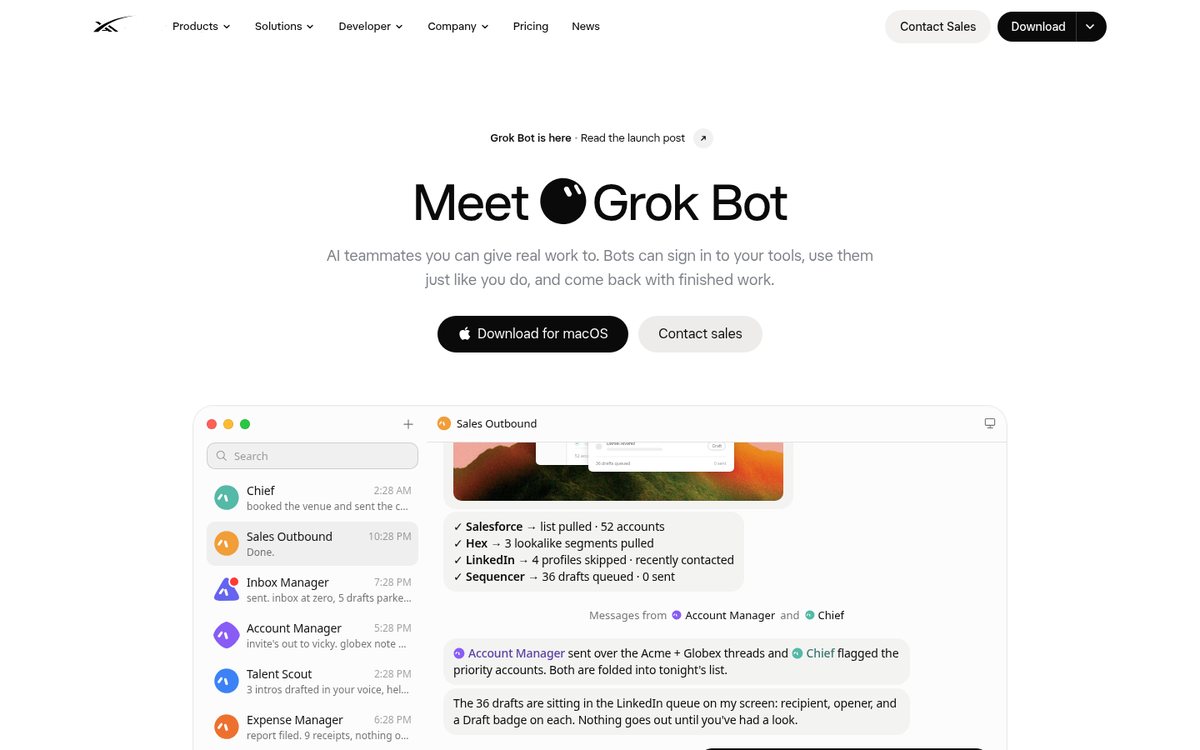
- Go to x.ai/bot and choose Download for macOS. On Windows or Linux, use More downloads.
- Mac: open the disk image, drag Grok Bot to Applications, open it. If macOS asks, choose Open.
- Not sure which Mac you have? Apple menu → About This Mac. A Chip field means Apple silicon; a Processor field means Intel.
You need Grok Bot access on your account (x.ai's Get started page lists the eligible plans).
Sign in
Grok uses your Cursor account. A browser window confirms it's you.
- Choose Sign in on the welcome screen.
- Finish in the browser window that opens, then come back to Grok Bot.
- The short tour asks which tools you use. Answer honestly: it only shapes suggestions and doesn't connect anything.
Add the Rainmaker Prospecting Coach
Your first bot, built for ICON. It plugs into the Rainmaker ICON brain and walks you through Prospecting: tracker, clarity poll, voter follow-ups, Ask Interviews and the daily 10/10/10/1. You approve every send.
- Open the Rainmaker Prospecting Coach link your ICON coach shares.
- Preview it on x.ai and add a copy to your Grok Bot.
- Open the new bot and say the line below. From here, the coach leads and you answer.
Hi Coach, let's get started.
No link yet? Every prompt on this page also works in any Grok bot you create yourself (New → Create new Bot).
Connect the brain
Have your MyGentic login ready
The brain runs on MyGentic, an AI knowledge extension. You sign in with your own account, so your login stays yours.
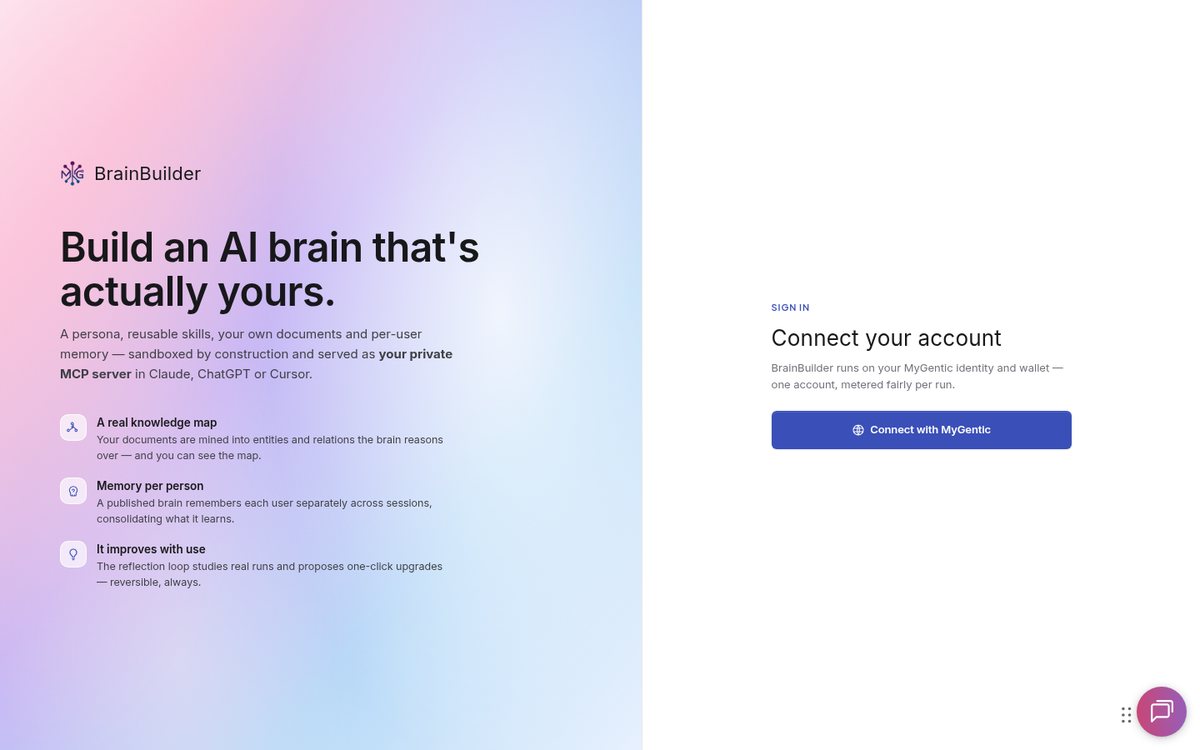
- Use the same email as your ICON membership.
- Want to check it first? Open brainbuilder.mygentic.io and choose Connect with MyGentic.
- No account yet, or it asks about credits? Email support@mygentic.io and come back after.
Ask Grok to connect the Rainmaker ICON brain
One sentence and Grok does the wiring. Your only click is Connect, then you sign in.

- Paste the prompt. Grok adds the brain as a connector named Rainmaker ICON.
- When the Connect card appears, click it.
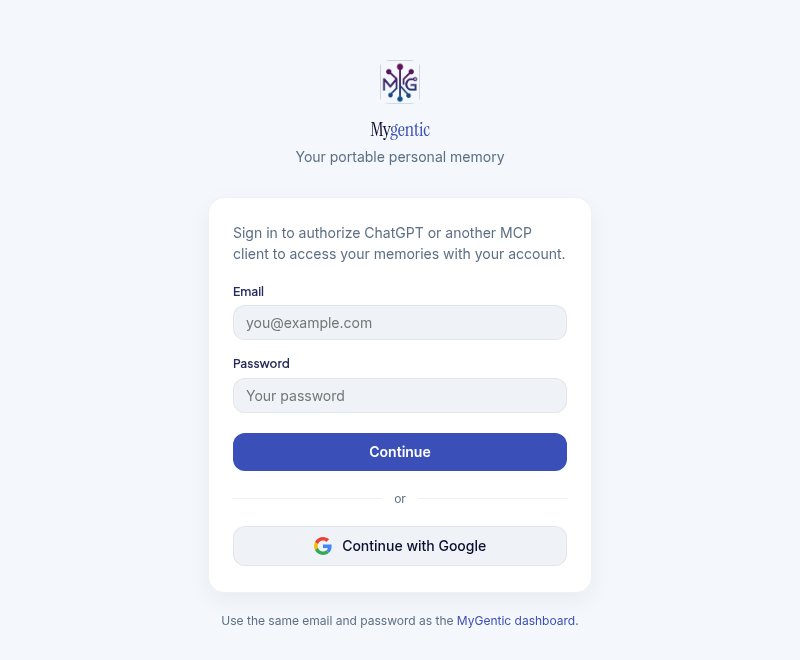
- Sign in with your MyGentic email (you may get a one-time code), then Authorize.
- Never paste a password into the chat.
Please connect the Rainmaker ICON brain. Add a custom MCP connector named "Rainmaker ICON" with this link: https://brainbuilder.mygentic.io/mcp/t/rainmaker and then show me the Connect card so I can sign in.
Test it: one ask
Proof the brain is live before you build on it.
- Paste the prompt and read the answer as it comes back.
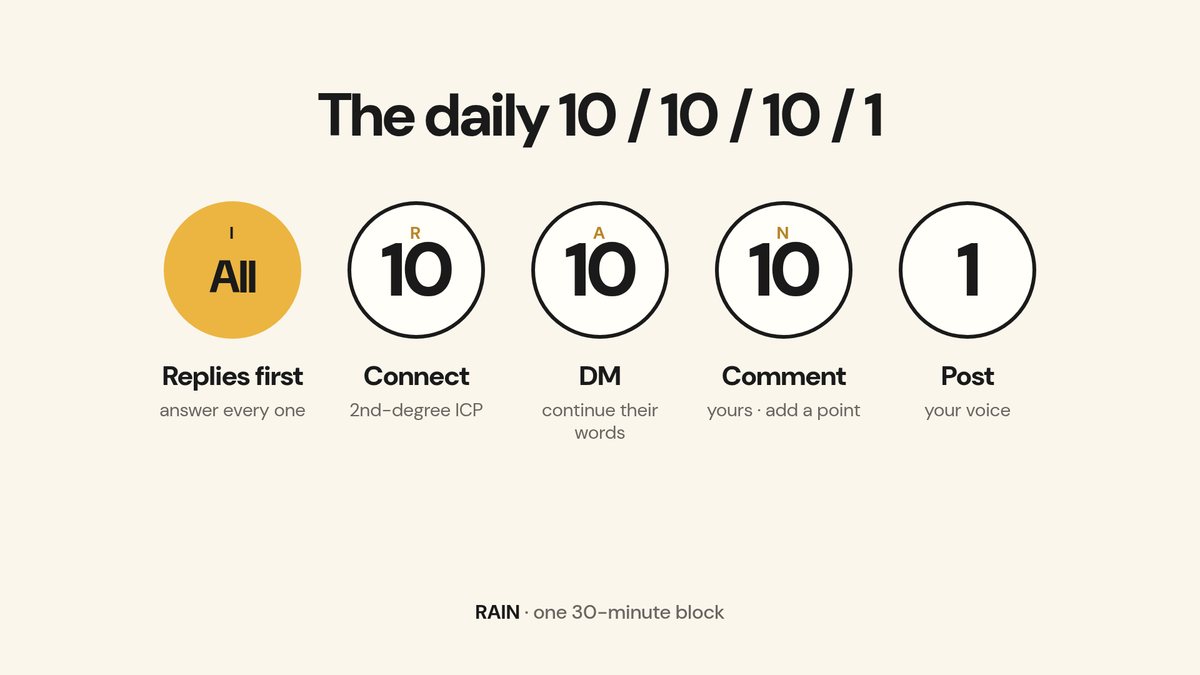
Hey Rainmaker, in two lines: what's the daily 10/10/10/1 prospecting routine?
If it shows 3/3/3 (3 comments, 3 warm touches, 3 invites), that's an older routine. The coach flags it and teaches 10/10/10/1. Mention it to Wes or your coach.
Seed Grok with you
Tell Grok who you are
This seeds Grok with you. Every RAIN session then starts from your Promise, not from zero.
- Fill in the brackets and paste it. Rough is fine.
- Already gave the coach your Promise? It won't ask again.
Here's me, please remember it for every Rainmaker session.
Name: [your name]
Promise: I help [who] get [result] in [time].
My ideal client (ICP): [one line]
My LinkedIn profile is: [done / partly / not yet]
My LinkedIn account is: [new, dormant or under ~200 connections / established]
Read it back to me when you've saved it.
Roast or toast your profile
The Week 2 hot seat, done in chat: a scorecard, a toast for what's working, a roast with your top 3 fixes.
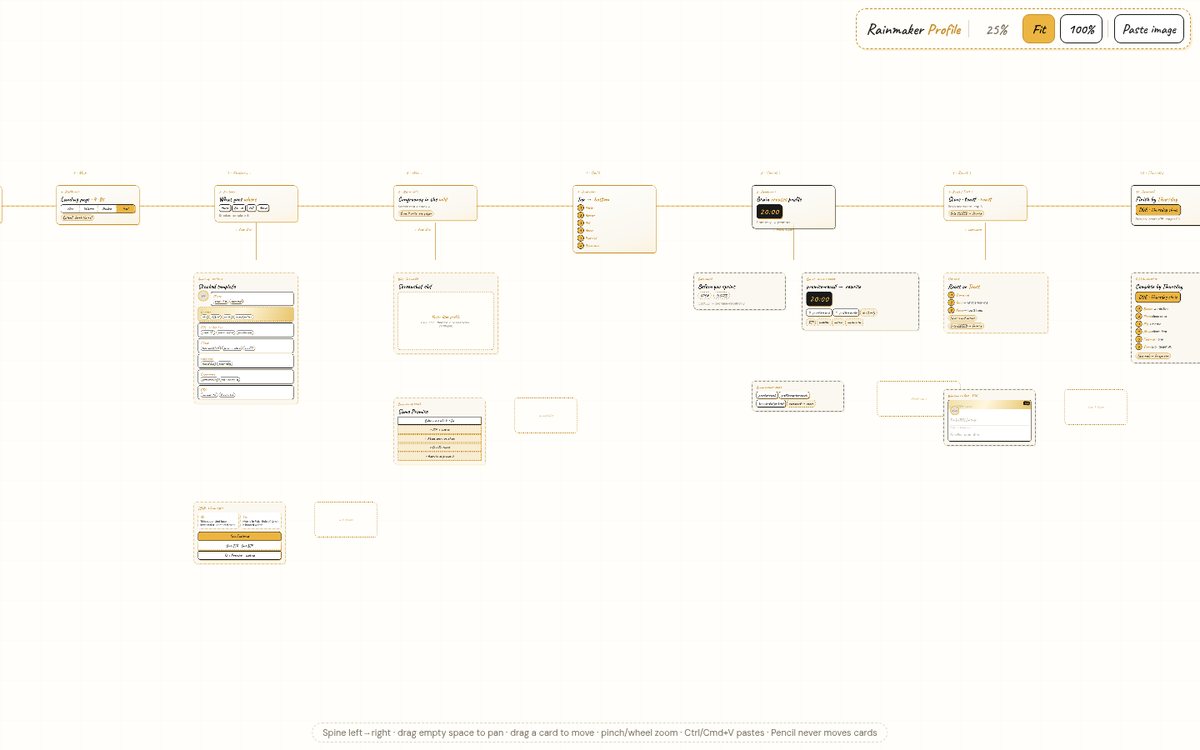
- Paste your profile text: headline, About, Featured, Experience. A LinkedIn link on its own isn't enough for the brain.
- Grok saves the fixes as your profile homework.
Hey Rainmaker, roast my profile. Here's my headline, About, Featured and Experience:
[paste your profile text]
Build your prospecting tracker
Your numbers live in one place, so Grok can plan your day from real data.
- Paste the prompt. Grok builds the file and offers to copy it to your computer.
- Then two minutes a day to log it.
Hey Rainmaker, build my prospecting tracker. I use Grok Bot.
Write your first clarity poll
One question, four problems. Every voter becomes a real conversation.
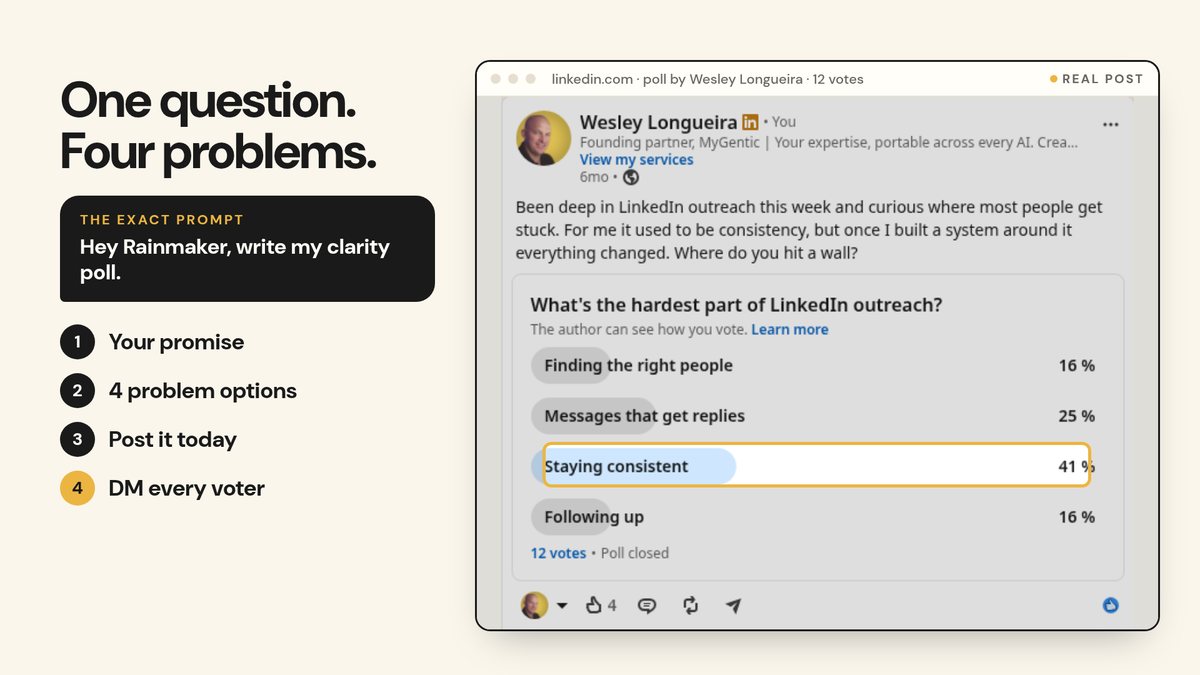
- Give your ICP in one line and 3 to 6 problems you think they have.
- You post the poll yourself. Then DM every voter the same day.
Hey Rainmaker, write my clarity poll. My ICP: [one line]. Problems I think they have: [3 to 6, rough is fine].
Make it a habit
Set your RAIN routines
Grok holds the rhythm so you don't have to remember it. Routines draft and plan. They never send.
- Fill in your time zone and start time, paste it, and give your OK when Grok reads the routines back.
- To see them later: click the bot's name in the chat header. Its Routines list is in that pane.
Please set up my Rainmaker routines. My time zone is [your time zone] and I start work at [time].
1. Weekday mornings: "Hey Rainmaker, what's the plan for today?"
2. Monday: "Hey Rainmaker, plan my week"
3. Friday: "Hey Rainmaker, review my week"
Read each one back to me and only create it after I say OK. Routines draft and plan only; they never send anything.
Keep your LinkedIn safe
Low and slow wins. Nothing goes out without your “approve”.
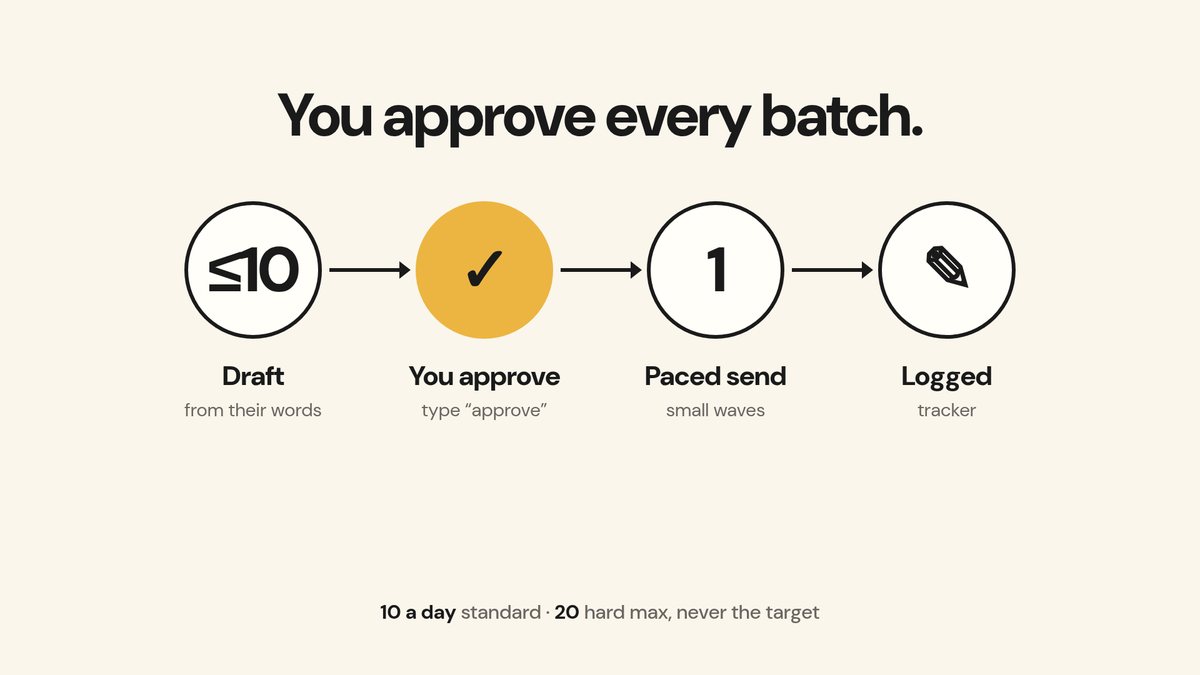
- Ask for the safety card (prompt below).
- Your one setting: Grok Bot Settings → General → Bot → Execution on Local Computer. This lets work run from your own computer. Test it before you rely on it.
- Cloudflare, “verify you're human” or a warning: stop, clear it yourself, cool down 15+ minutes. A second check that day means drafts only.
Hey Rainmaker, keep my LinkedIn safe.
New or dormant account? Ramp 5, then 7, then 10 a day. Acceptance under 20%: stop requests and fix the profile.
Make it rain, every weekday
One 30-minute block. Grok drafts, you approve, it's logged.
- Say the line. Grok pulls your tracker and walks you through RAIN, one letter at a time.
- Read each batch (10 or fewer, one type) and reply approve. One approve covers that batch only.
- Comments are yours: write them or approve each one.
Hey Rainmaker, let's make it rain.
Where to find everything + wrap up
The questions the group asks most, answered in one place.
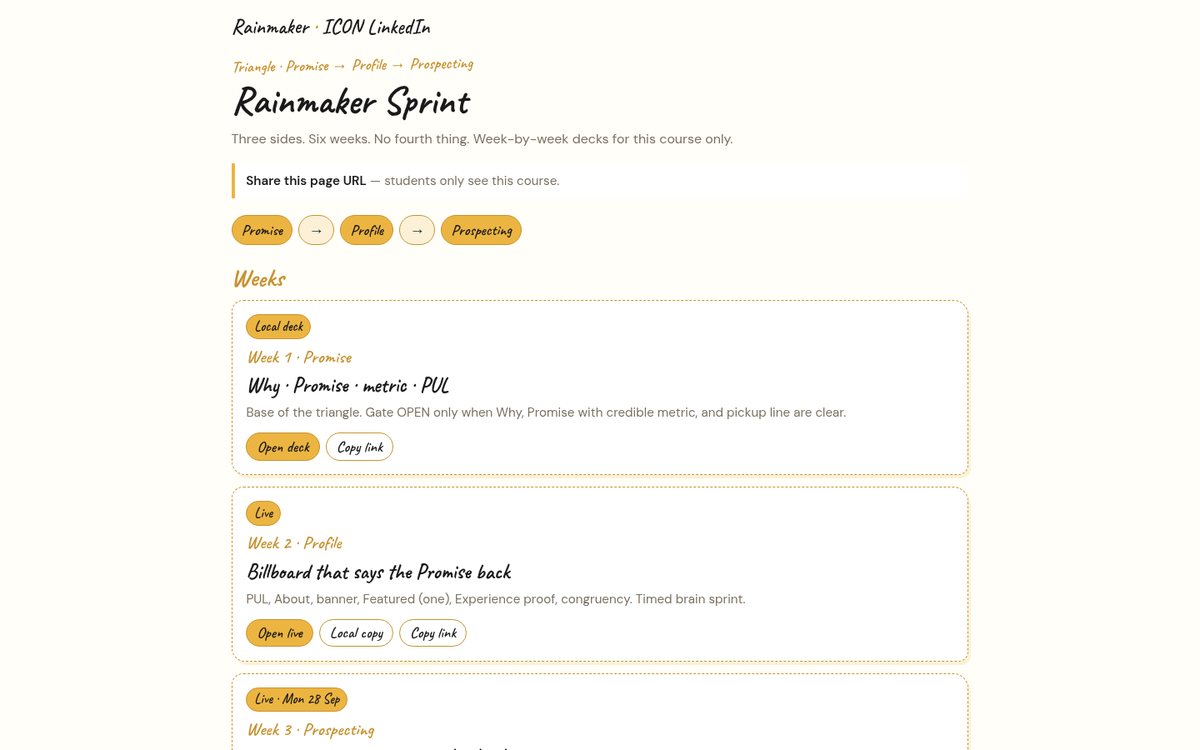
- Decks and canvases: the course hub (link below).
- Call recordings: in Guides. After 7 days they move to the mentorship forum.
- Hit the brain's daily limit? Pick it up tomorrow, or email support@mygentic.io if it keeps happening.
- Rainmaker dashboard: [VERIFY: where it lives].
- End every session with the line below so Grok keeps what matters.
Wrap up and remember.
Your three daily lines
- Morning: “Hey Rainmaker, let's make it rain.”
- When it shows you a batch: read it, then reply “approve”.
- End of session: “Wrap up and remember.”
10 connection requests a day is the standard (one batch of ≤10); 20 a day is the hard max, never the target; about 100 per rolling 7 days is the outer ceiling. Cloudflare page means stop and cool down.
Screenshots: real captures of public pages taken 1 Oct 2026, one existing Brain Builder screenshot, and slides from the Rainmaker Week 3 deck. RECORD boxes get swapped for real stills from Wes's recording. Help: support@mygentic.io. Built by Wes's Grok Bot · draft v2 · 14 steps.